-
×
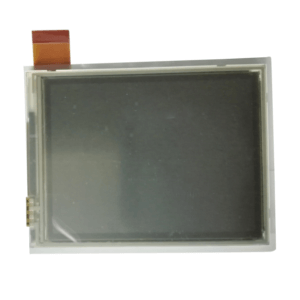 New original printhead for Intermec CN50
1 × $64.00
New original printhead for Intermec CN50
1 × $64.00 -
×
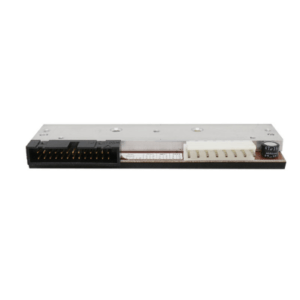 Used original printhead for Intermec PM43 (400dpi)
1 × $459.00
Used original printhead for Intermec PM43 (400dpi)
1 × $459.00 -
×
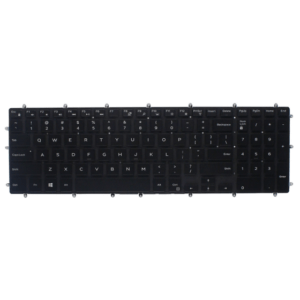 Backlit Keyboard for Dell Inspiron 5565 5567 5765 5767 7566 7567 Laptop 3NVJK
1 × $11.90
Backlit Keyboard for Dell Inspiron 5565 5567 5765 5767 7566 7567 Laptop 3NVJK
1 × $11.90 -
×
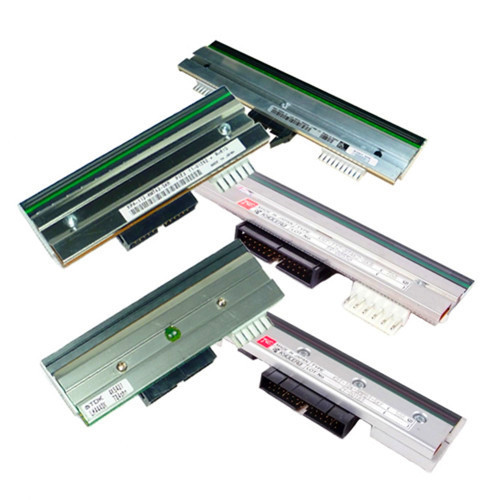 Thermal Printheads SATO GL412e Replacement printhead, 305 dpi
1 × $500.00
Thermal Printheads SATO GL412e Replacement printhead, 305 dpi
1 × $500.00 -
×
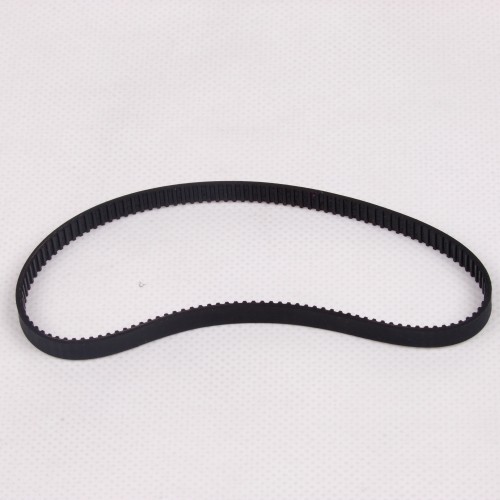 Rubber Belt Compatible for SATO LM412E Thermal Barcode Printers
1 × $22.00
Rubber Belt Compatible for SATO LM412E Thermal Barcode Printers
1 × $22.00 -
×
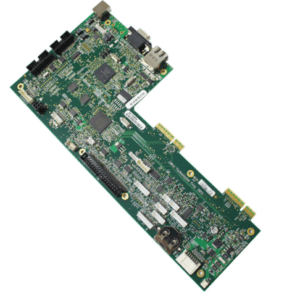 New original motherboard for (ZB) ZT410 ZT420 P1058930-030
1 × $124.00
New original motherboard for (ZB) ZT410 ZT420 P1058930-030
1 × $124.00 -
×
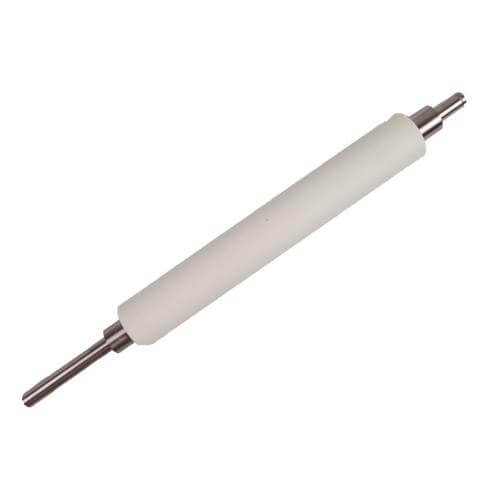 G40038M Platen Roller Compatible for Zebra 140XiIII+ Printer
1 × $29.50
G40038M Platen Roller Compatible for Zebra 140XiIII+ Printer
1 × $29.50 -
×
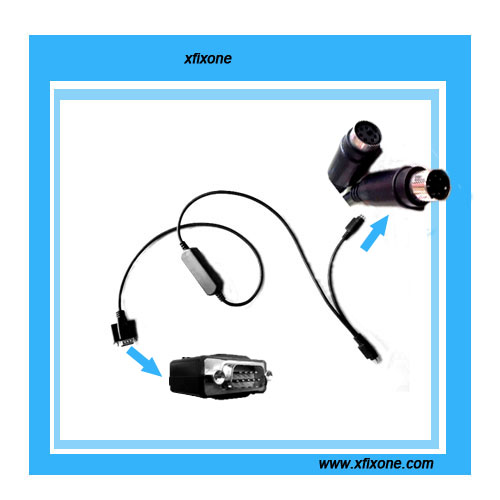 RS232 serial to PS/2 Keyboard Cable with the function of self-inspection serial port
1 × $64.00
RS232 serial to PS/2 Keyboard Cable with the function of self-inspection serial port
1 × $64.00
Subtotal: $1,274.40